

01
Maya
The idea is to make the first minute easier to follow.
Noah
Then the important decision is easy to find again.
Maya
Let’s keep the next step in the notes.
AI note
Decision: keep every useful moment easy to return to.
Stay with the conversation
Read it. Hear it. Make something from it.
Find the line
Search brings the useful phrase back into view.
Hear the moment
Jump from a sentence to the exact point in the recording.
Take it with you
Keep working in the format that makes sense for you.
From recording to clarity
Pull the decisions out while the context is still there.
AI notes
Keep the opening clear for the viewer.
Turn the decision into the next task.
Share the export with the team.
For the work behind the work
Meetings, interviews and ideas worth keeping.

02
Interviews
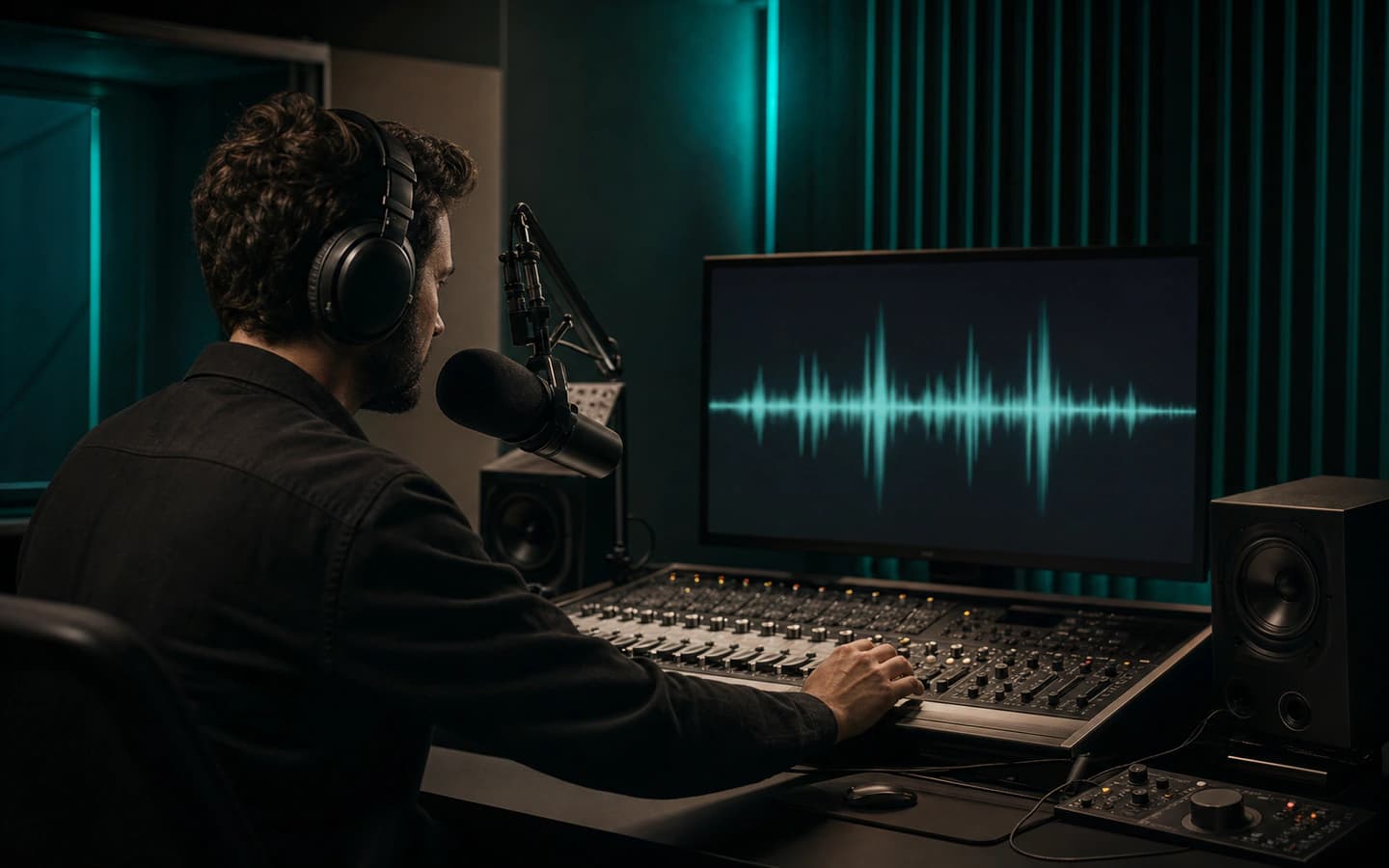
03
Podcasts

04
Research
100 languages
Speak naturally. Keep the words useful.
EnglishEspañolDeutschFrançaisItalianoPortuguêsPolskiРусский
See all supported languagesBefore you transcribe
Clear answers for real recordings.
What can I transcribe?+
Upload common audio or video files, or use a supported link. BriefVox supports 100 transcription languages and can detect the language automatically.
Can I review speakers and timestamps?+
Yes. The transcript separates speakers where the recording allows, keeps timestamps and lets you click a segment to hear the matching moment before export.
What can I do with the finished transcript?+
Edit the text, rename speakers, create AI Notes and export TXT, DOCX, SRT or VTT from the same workspace.
BriefVox Transcription
Pull the decisions out while the context is still there.
Find the exact words, keep the speakers clear and turn a long recording into notes, decisions and files your team can use.
Transcribe a file freeGuides & tutorials
Step-by-step walkthroughs for the most common jobs.
- How to Transcribe WhatsApp Voice MessagesConvert WhatsApp voice notes into text you can read, search and save. Export the audio from the chat, upload it, and get an accurate transcript — step by step.6 min read
- How to Transcribe Voice MemosTurn iPhone Voice Memos or Android voice recordings into text you can search, edit and export. Works with M4A and MP3 files — here's the simple step-by-step.6 min read
- How to Transcribe a Google Meet RecordingTurn a Google Meet recording from Drive into a speaker-labeled transcript and meeting notes you can edit and export. Quick step-by-step, no bot needed.7 min read
- What Audio and Video Formats Can You Transcribe?Which audio and video files you can upload for transcription — MP3, WAV, M4A, MP4, MOV and more — plus tips on file size and importing from a link.4 min read
- How to Get the Most Accurate TranscriptionPractical tips for cleaner, more accurate transcripts: pick the right language, cut background noise, and fix the rest in seconds. For meetings and podcasts.6 min read
- How to Transcribe a Microsoft Teams MeetingTurn a Microsoft Teams recording into an accurate, speaker-labeled transcript you can edit and export — for minutes, notes or subtitles. Step by step.5 min read