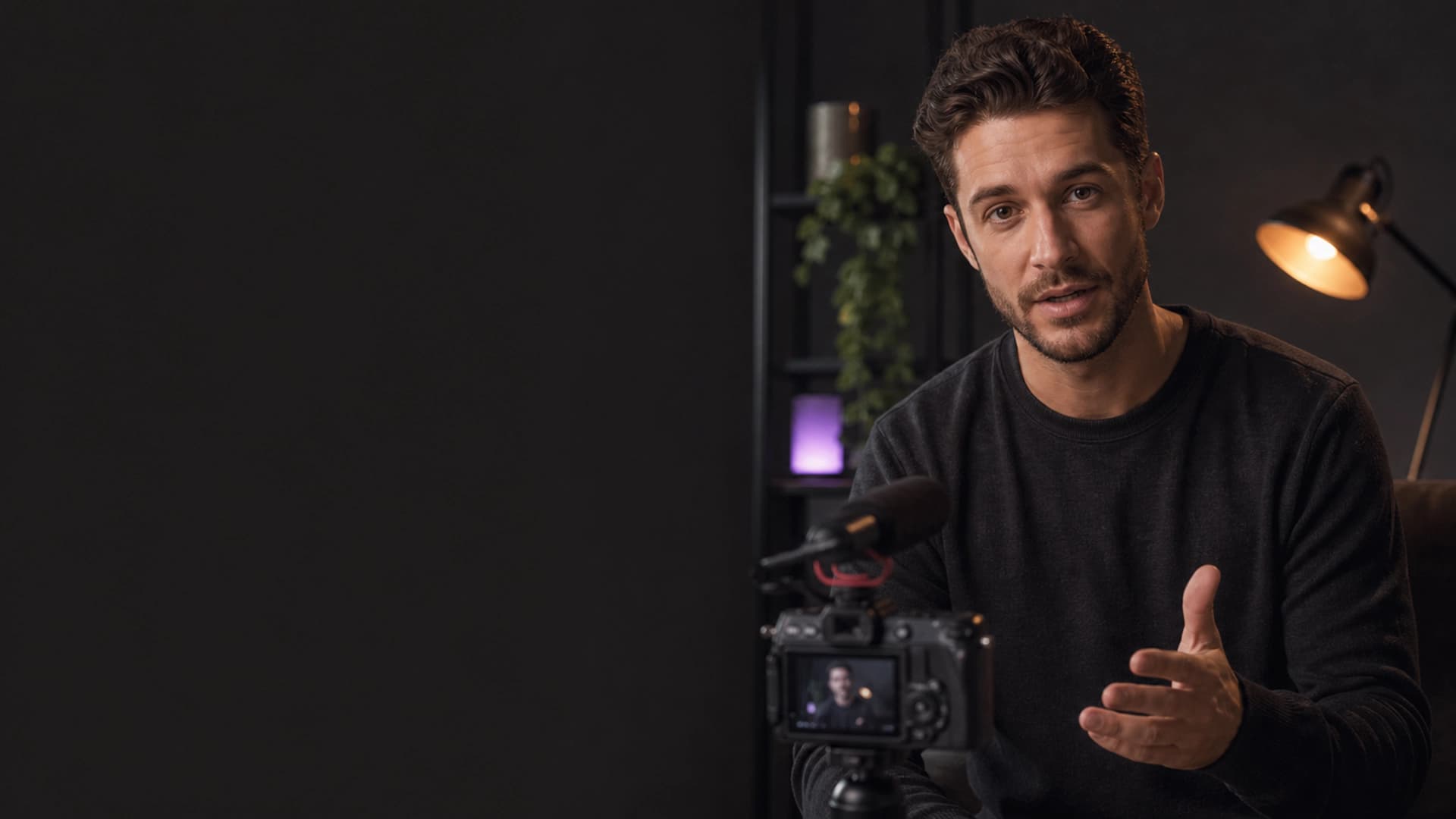
KEEPTHEMWATCHING
Before: the moment gets missed.
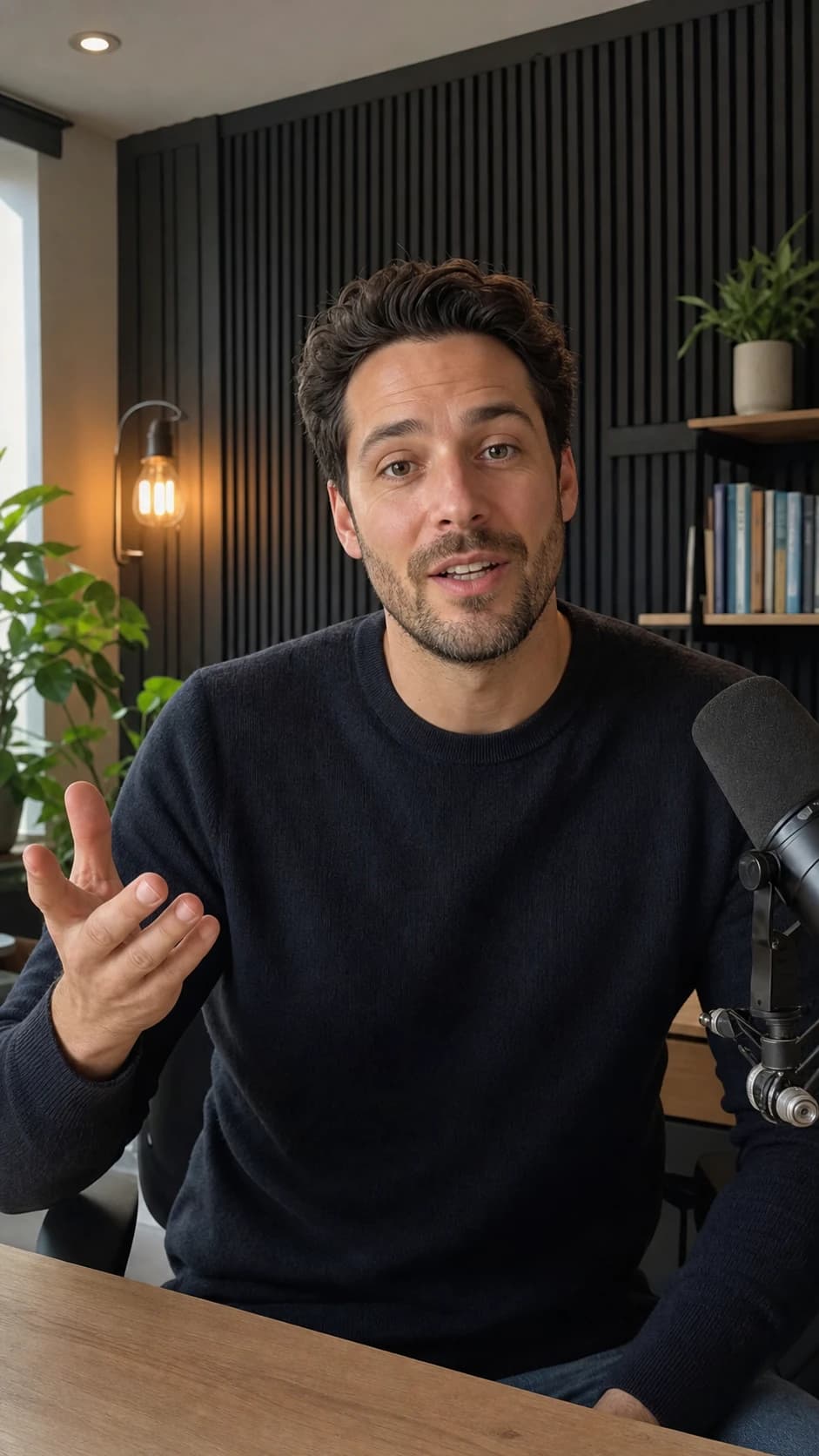
KEEPTHEMWATCHING
Twenty-six starting points
Pick a look. Keep your voice.
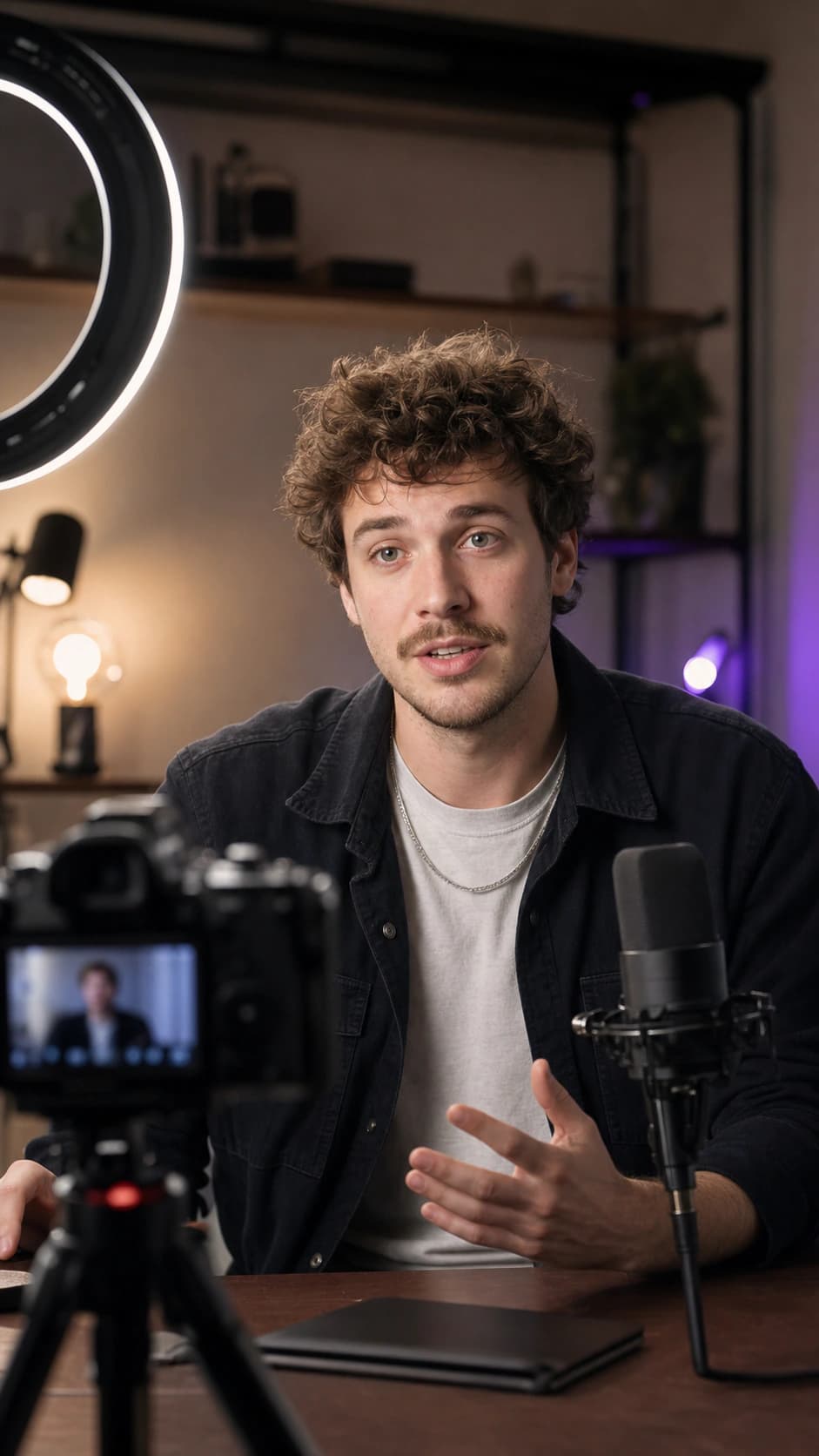
MAKEITLAND
Selected styleBold ImpactCreator story
Use this styleOn the frame
Change what people see without losing the moment.
Move Style Words Done

KEEPTHEMWATCHING
captioned-video.mp4Ready to share
Good to know
The useful answers, before you start.
Is BriefVox free to use?+
Yes. Every eligible verified account gets 20 shared minutes every month for captioned video or transcription, with no credit card.
Can I start with my own video?+
Yes. Upload a supported video, then work with its captions in the editor.
Can I change the caption look?+
Yes. Start with any of the twenty-six styles and adjust the placement, width and size on your video.
Is there a watermark on the free plan?+
Yes. Free exports are 720p and carry a small moving BriefVox watermark. Any paid BriefVox pack or plan removes it and unlocks higher export quality.
What happens to my source file?+
Your source audio and video are deleted after 24 hours. The project stays available, and finished MP4 or MOV files can be downloaded for 7 days.
Guides & tutorials
Step-by-step walkthroughs for the most common jobs.
- How to Add Captions to Gaming Videos and ClipsAdd readable animated captions to gameplay, face-cam reactions and gaming clips without covering the HUD. A practical workflow for YouTube, Shorts and TikTok.6 min read
- How to Edit Subtitles Online Before You ExportEdit subtitle text, timing, line breaks and placement online, then preview every change on your video and export a finished captioned MP4.6 min read
- How to Add Captions to a Facebook Video or ReelAdd clear, styled captions to a Facebook video or Reel automatically. Auto-transcribe your clip, pick a style, and export a burned-in MP4 that works on mute.5 min read
- How to Add Word-by-Word Captions to a VideoWord-by-word captions reveal each word in sync with the audio — the high-retention style top creators use. Here is how to add them automatically.5 min read
- How to Put Captions on a Video AutomaticallyPut captions on any video automatically. Upload your clip, let AI transcribe it, style the subtitles, and export an MP4 with the captions burned in.5 min read
- How to Add Captions to YouTube ShortsAdd accurate, eye-catching captions to a YouTube Short in minutes. Auto-transcribe your clip, style word-by-word captions, and export a burned-in MP4.5 min read