
One BriefVox workspace
One file. Three useful directions.
Publish it with captions or turn it into searchable text — without rebuilding your process each time.
Captioned video
Time every word, choose from 26 styles and export a video made for Shorts, Reels or TikTok.
Explore CaptionsClips
Read the transcript, click where a moment starts and ends, and export it captioned and vertical.
Coming soonSearchable transcription
Keep speakers, timestamps, AI Notes and reusable TXT, DOCX, SRT or VTT exports together.
Explore TranscriptionFrom clip to post
Three calm steps. One stronger video.

Bring your clip
Upload your own video and let the words find their place.
Choose the feeling
Start from a look that already knows how to hold attention.

Post with confidence
Review the result, then take your finished video with you.
A look for every voice
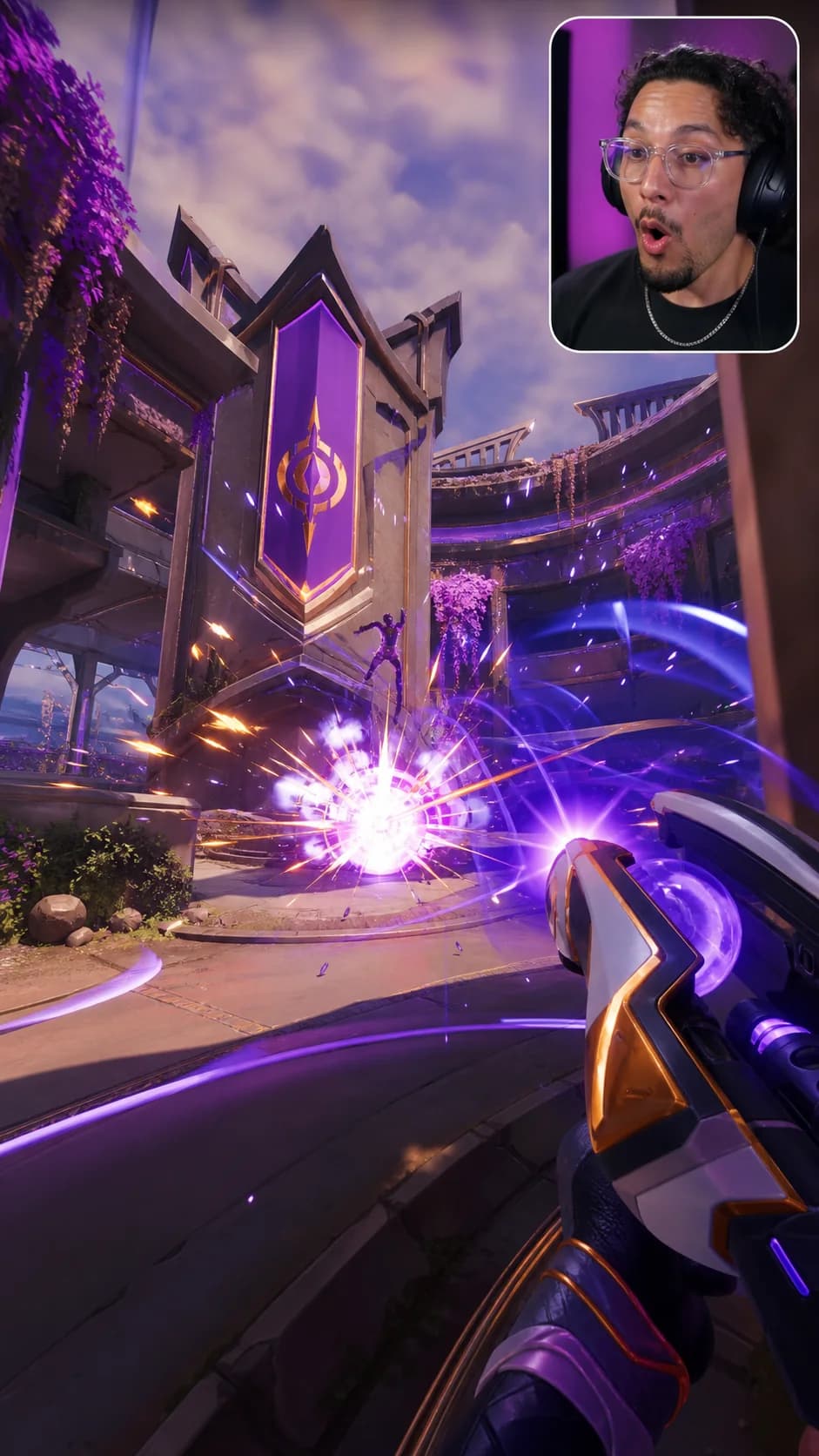
Make the words feel like part of the video.

Made to be touched
Move the words until they feel right.
See your captions on the frame while you work. Change the position, width and size directly on the video, not in a maze of settings.
Caption a video free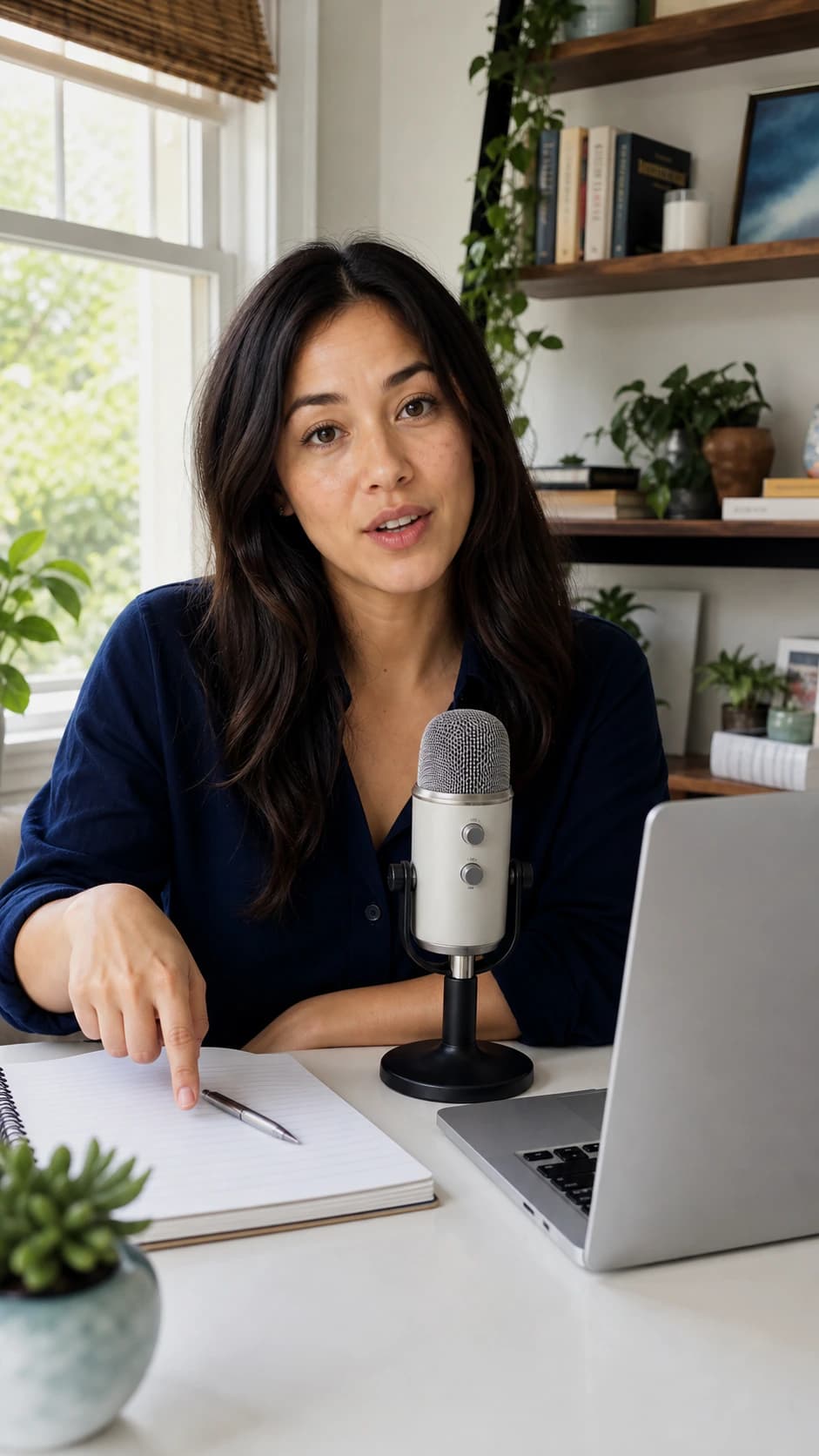
Also from BriefVox
Need the words without the video?
BriefVox Transcription turns longer recordings into clean, speaker-labelled text you can search, shape and share.
Explore TranscriptionThe idea is to make the first minute easier to follow.
Then the important decision is easy to find again.
Let’s keep the next step in the notes.
Decision: keep every useful moment easy to return to.
Built for the next post
Make the first seconds easier to follow.
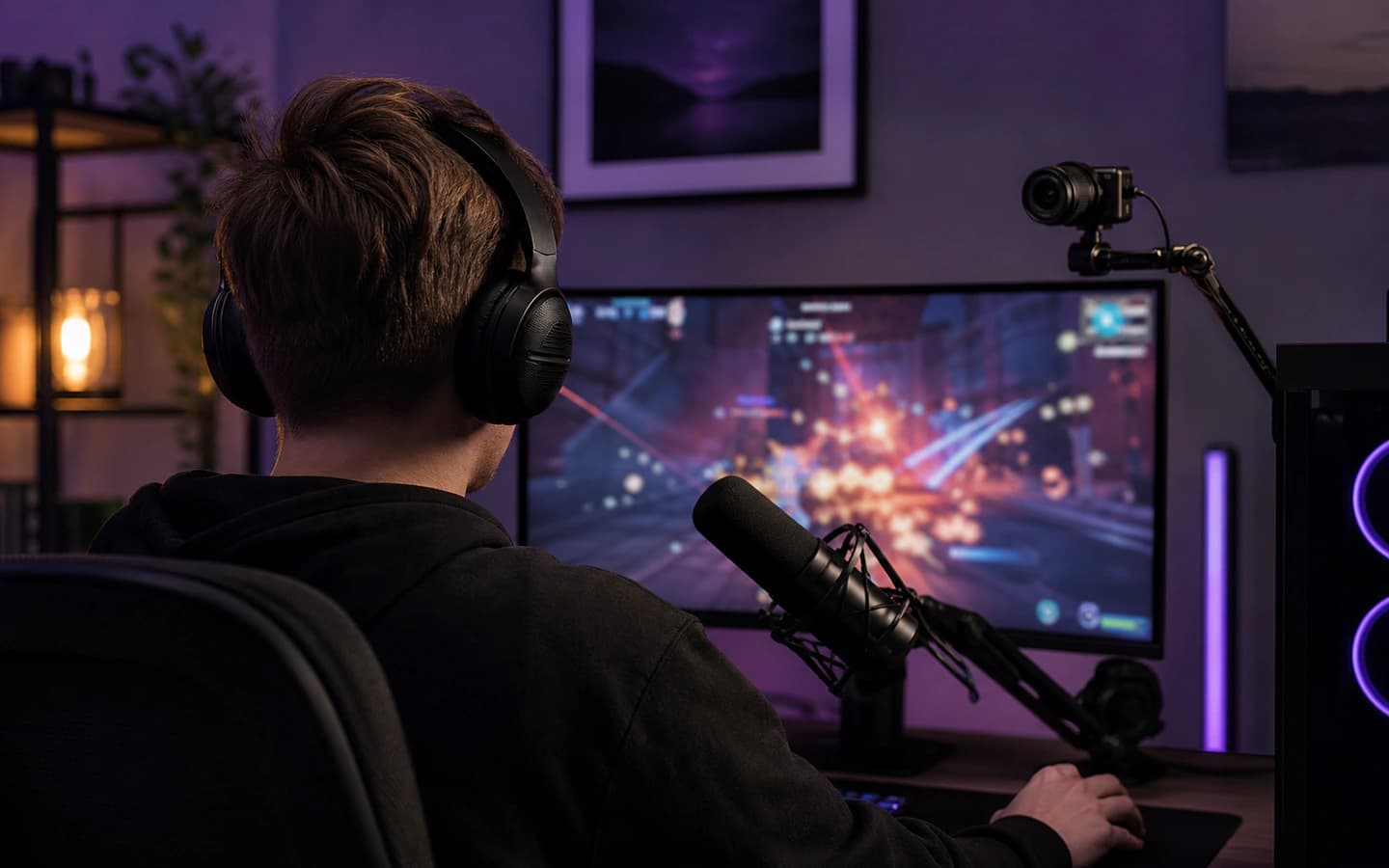
Gaming highlights

Product demos
Recipes and how-tos

Course clips
100 languages
Speak naturally. Keep the words useful.
Good to know
The useful answers, before you start.
Is BriefVox free to use?+
Yes. Every eligible verified account gets 20 shared minutes every month for captioned video or transcription, with no credit card.
Can I start with my own video?+
Yes. Upload a supported video, then work with its captions in the editor.
Can I change the caption look?+
Yes. Start with any of the twenty-six styles and adjust the placement, width and size on your video.
Is there a watermark on the free plan?+
Yes. Free exports are 720p and carry a small moving BriefVox watermark. Any paid BriefVox pack or plan removes it and unlocks higher export quality.
What happens to my source file?+
Your source audio and video are deleted after 24 hours. The project stays available, and finished MP4 or MOV files can be downloaded for 7 days.
BriefVox
Every word on screen. Every word searchable.
Upload a video and get captions timed to each word, in a style you choose, exported vertical or widescreen. Or turn the same recording into a transcript you can search, label by speaker and export.
Start free — 20 minutes included