How to Transcribe Voice Memos
Turn iPhone Voice Memos or Android voice recordings into text you can search, edit and export. Works with M4A and MP3 files — here's the simple step-by-step.
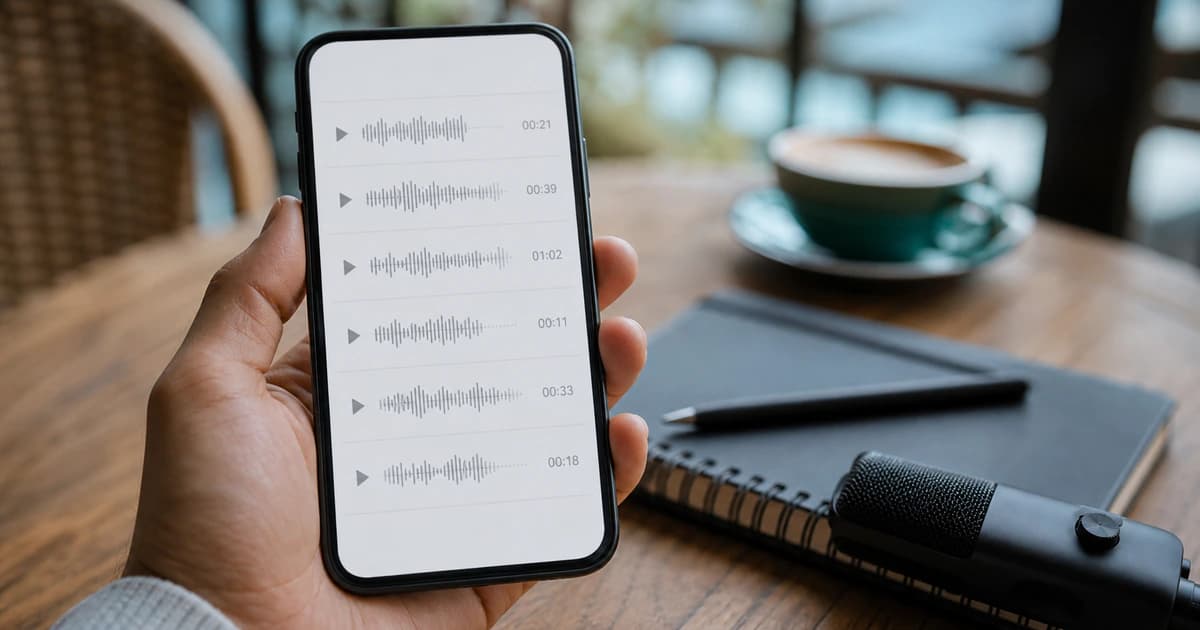
Voice memos are the fastest way to capture an idea, an interview or a meeting on your phone — and the slowest thing to go back through later. Instead of re-listening, transcribe the memo and get searchable text with timestamps in minutes.
Step 1 — Get the memo off your phone
On iPhone, open Voice Memos, tap the recording, tap the share icon and send it to yourself (AirDrop, Files, email or a cloud drive) — it exports as an M4A file. On Android, recorder apps save M4A or MP3 files you can share the same way. No conversion needed: both formats upload directly.
Step 2 — Upload it to BriefVox
Upload the M4A or MP3 in your browser — phone or computer, nothing to install. The memo is transcribed with timestamps, and if it's a conversation, speakers are separated where the audio allows.
Step 3 — Search, edit, export
Open the transcript in the synced editor: click a line to hear that moment, fix any words, then export TXT or DOCX. Long brainstorm memo? AI Notes can pull out the key points and action items so you don't have to.
What voice memos work best
- Hold the phone reasonably close — voice memos recorded from across the room transcribe worse.
- One speaker dictating transcribes almost perfectly; overlapping voices in a noisy café will need more editing.
- Long memos are fine — hour-long recordings are billed per started minute, and eligible accounts get 20 shared minutes every month after email confirmation to try it.
Why not just use the phone's dictation?
Live dictation only works while you're speaking into it and gives you raw text with no timestamps, no speakers and no audio to verify against. Transcribing the memo afterwards keeps the recording and the text linked — you can always click back to hear what was actually said.
A faster workflow on iPhone
Save the memo to Files, open BriefVox in the same browser and upload the M4A directly. You do not need to email it to a computer or convert it first. After the transcript is ready, search for the part you need, correct names while listening and export a document that is easier to archive than an audio-only note.
Start an audio or video transcription →Frequently asked
Can an iPhone Voice Memo be converted to text?
Yes. Share the recording from Voice Memos to Files, then upload the M4A. The original audio stays linked to the transcript during the source-file retention period so you can verify corrections.
Do I need a special app for Android recordings?
No. Share the M4A, MP3 or another supported audio file from your recorder and upload it in the browser.
Try BriefVox free
Start transcribing →