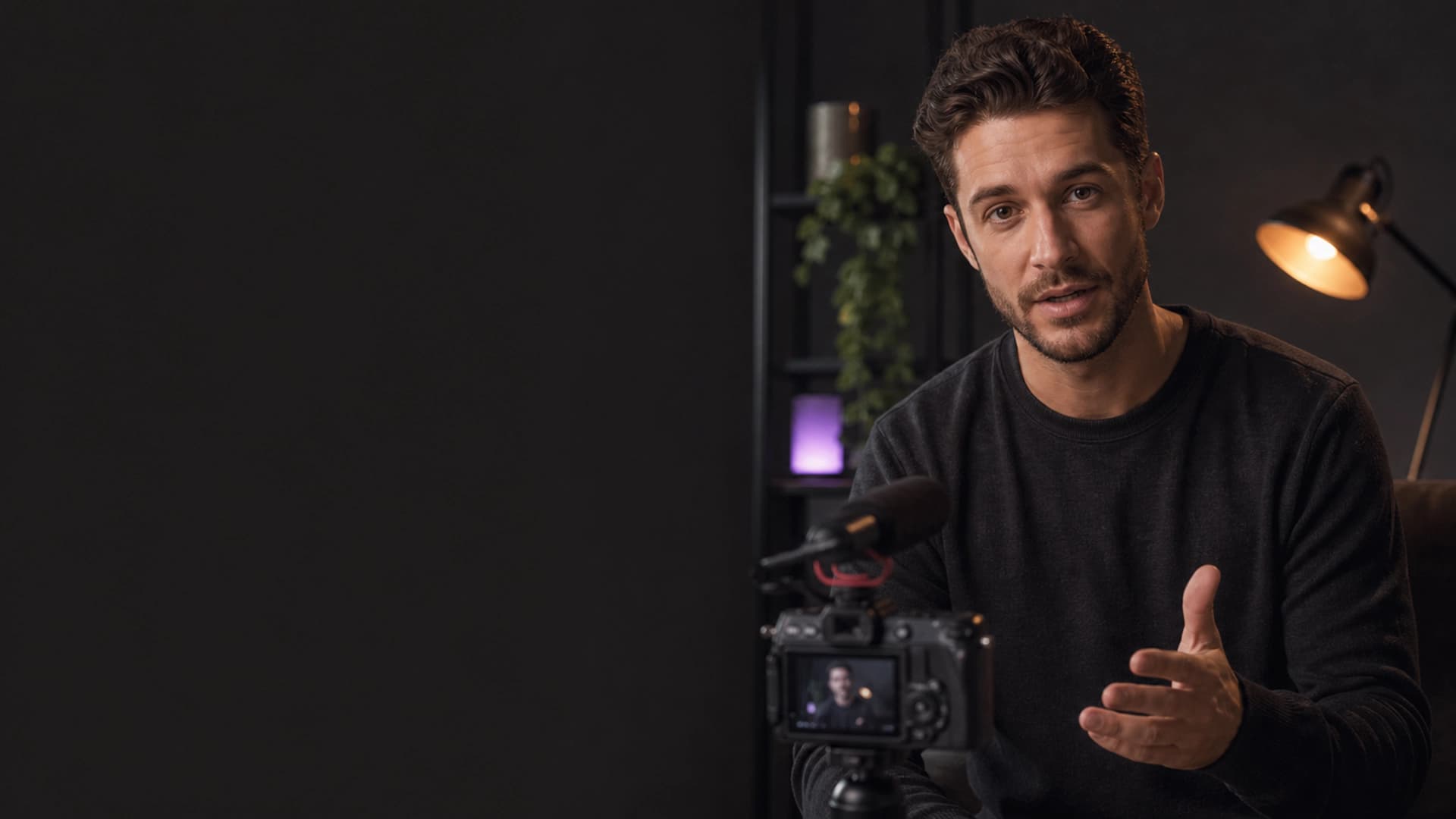
TikTok captions
Add captions to your TikToks - automatically
Upload a TikTok-style clip, choose a creator caption style and render a vertical MP4 that stays clear of app UI.
Caption my videoOriginal BriefVox demo footage.
Made for real work
A clear path from recording to finished work.
BriefVox turns your video into a ready-to-post captioned MP4. Choose a bold style, keep the captions in the safe zone and reuse the transcript for SRT, DOCX or AI Notes.
How BriefVox captions your video
Upload a file or paste a supported link, let BriefVox create the transcript, pick a style, then render the captioned MP4. Rendering a new style reuses the transcript instead of starting over.
Caption styles for creators
Choose from 14 vertical looks and 12 landscape looks, including Bold Impact, Green Chip, Neon Pulse, Karaoke, Gameplay and Typewriter. Every style can be adjusted before export.
Private by default
Source audio and video are auto-deleted after 24 hours. Captioned renders are kept for 7 days, and the transcript stays available for edits and exports.
See the result
The words feel like part of the video.
Good to know
Answers before you begin.
What can I download?+
You can render a captioned MP4 and export TXT, DOCX, SRT or VTT from the same transcript.
Which languages work?+
BriefVox supports 100 transcription languages and keeps the interface localized in 8 languages.
Is there a watermark?+
Free accounts may include a small BriefVox watermark. Paid plans and packages remove it.
How long are files kept?+
Source files are auto-deleted after 24 hours. Rendered videos are kept for 7 days for download.
How is it priced?+
Captions and Transcription use one shared minute balance. AI Notes use AI Tokens, and the cost is shown before processing or rendering.
BriefVox Caption a video free
Give the next clip words people notice.
Start with your own file. No complicated setup.
Caption my video